

Tips if you notice slow access
Updated last week
If you notice that your site is loading slowly, below are some tips to help you analyze the situation. Note: every case is different.
At the hosting level, if the resources in your hosting plan are limiting access speed, you’ll see this in your cPanel under Resource Usage.
To log in to your cPanel, use the following address:

Remember to replace "misitio.com" with your domain’s actual URL
You can monitor your resources here:
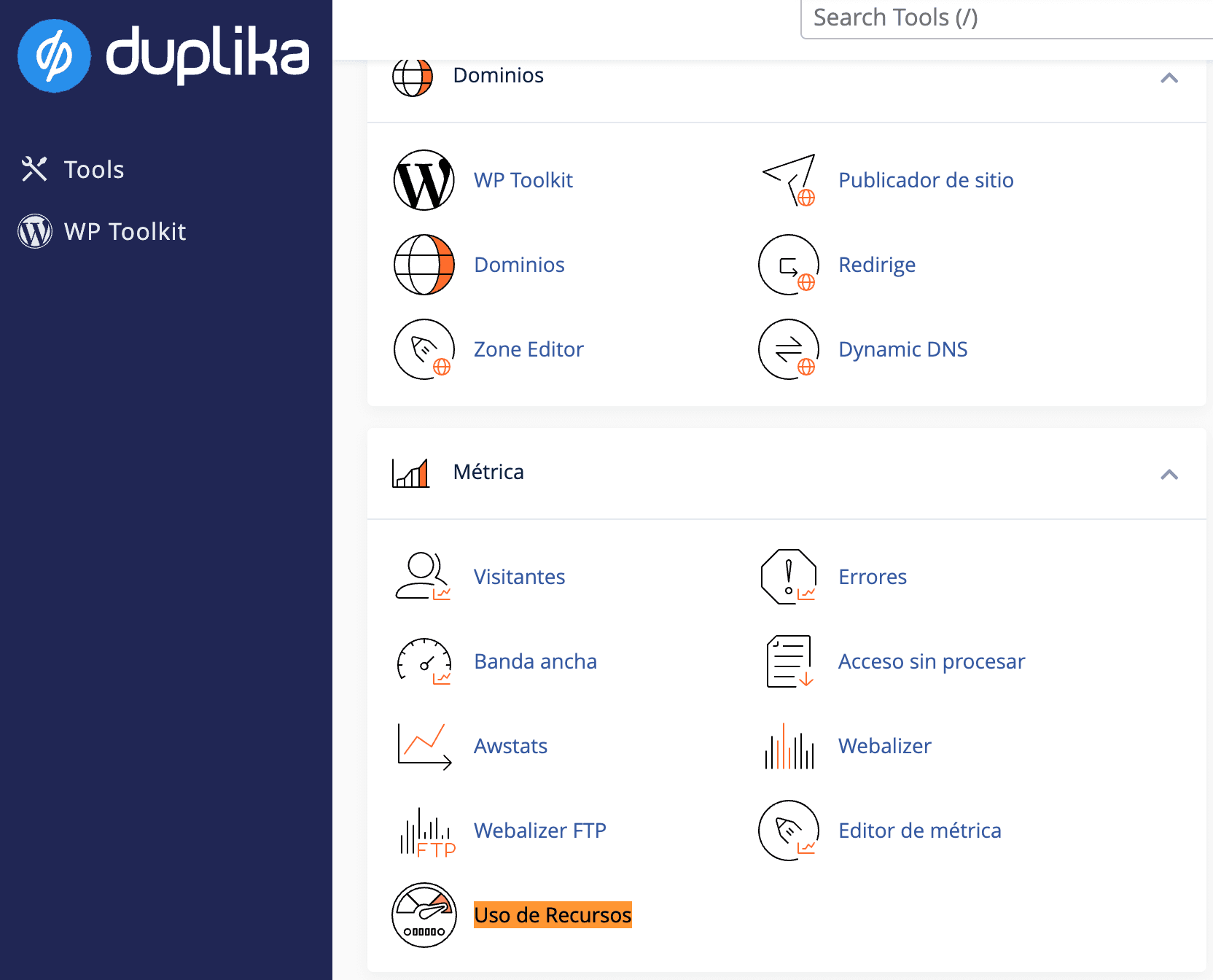
If you’ve ruled out your hosting plan as the bottleneck, you should now analyze your application.
If you’re using WordPress, we recommend keeping your site, plugins, and themes fully up to date. Also, make sure to always have an active cache plugin, such as LiteSpeed Cache.
If you’ve already implemented these measures, the next step is to analyze your site’s size and the plugins you use.
GTMetrix will help you determine your site’s size and provide some tips on how to improve performance.
Google’s PageSpeed Insights is also a great resource to use.